
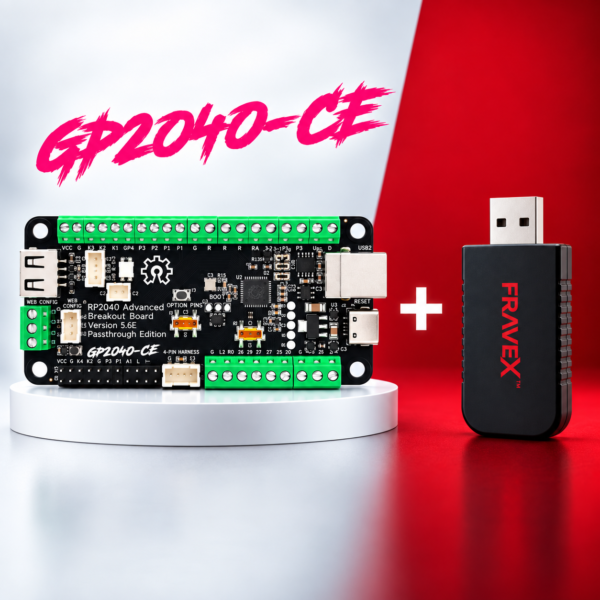
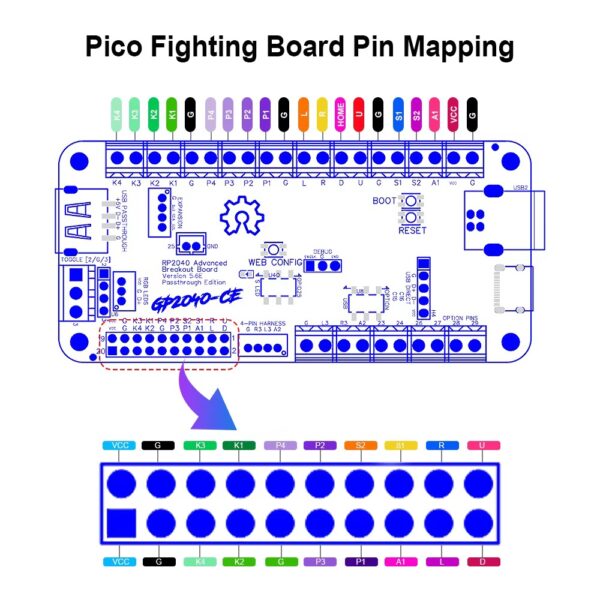
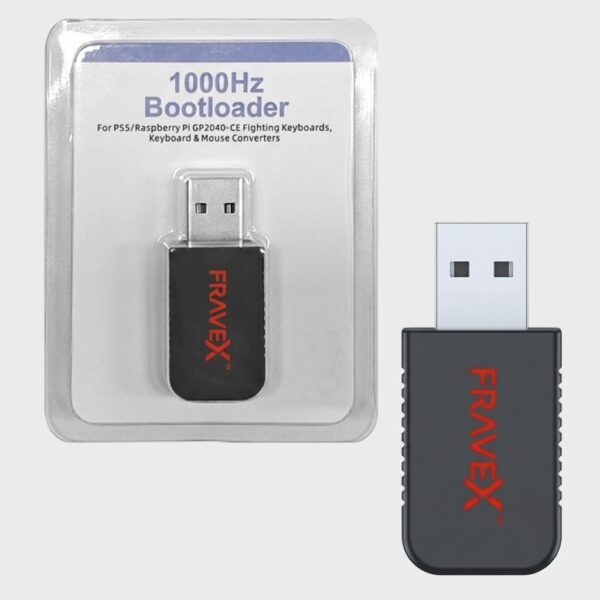
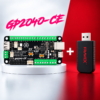
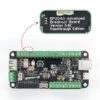
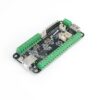
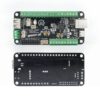
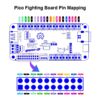
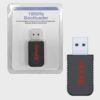
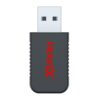
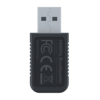
The PS5 Enabler Combo pairs the open-source GP2040-CE RP2040 Advanced Breakout Board (Passthrough Edition) with the Fravex PS5 Adapter so you can build a leverless controller and run it natively on PlayStation 5 — everything you need in one bundle.
What’s in the combo
- 1× GP2040-CE RP2040 Advanced Breakout Board — Fighting Board (Passthrough Edition)
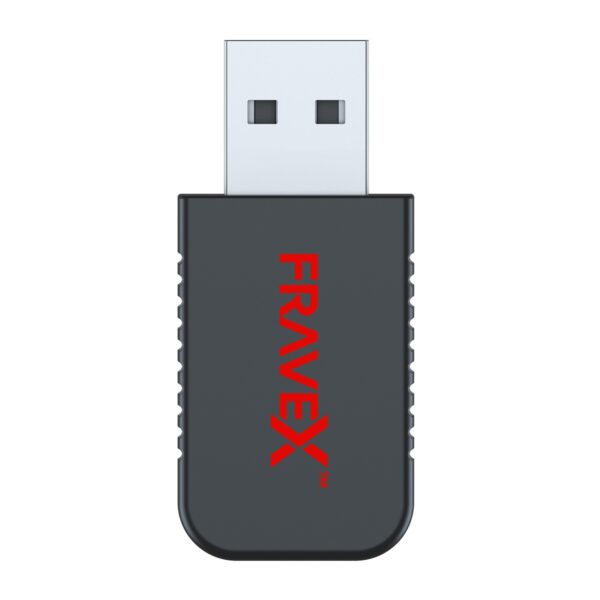
- 1× Fravex PS5 Adapter for Leverless Controllers (your PS5 Enabler)
Bought together for ₹4,999 — a saving of over ₹2,500 versus buying both separately.
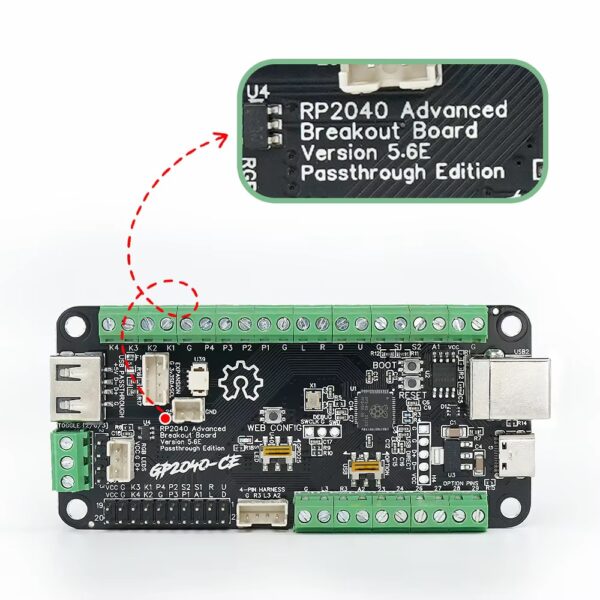
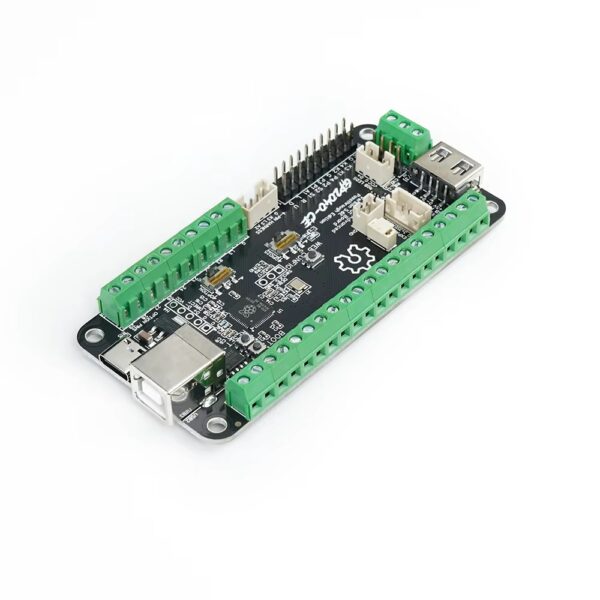
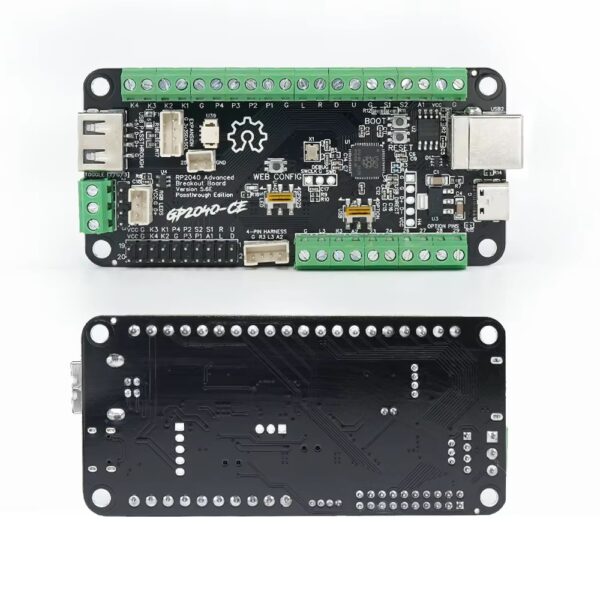
GP2040-CE RP2040 Advanced Breakout Board (Passthrough Edition)
A powerful all-in-one PCB for building or upgrading your fightstick or leverless controller. Powered by the Raspberry Pi RP2040 chip running open-source GP2040-CE firmware — wire your buttons, plug in and play.
- Wide platform support: PC (Windows & Mac), Nintendo Switch, PS3, PS4 & PS5 (via USB passthrough), Steam Deck, Android, MiSTer FPGA and Raspberry Pi.
- Selectable input modes: XInput, Nintendo Switch, PS3/PS4/PS5, DirectInput/HID and Keyboard mode.
- USB Passthrough for extended PS4/PS5 authentication.
- Web Configurator — map pins, input mode, RGB, turbo and SOCD in your browser, no install needed.
- RGB LED & OLED support and clearly labelled screw terminals plus harness headers for fast, solder-free wiring.
- Ultra-low latency with built-in SOCD cleaning and turbo.
Fravex PS5 Adapter for Leverless Controllers
Plug-and-play PS5 adapter that lets GP2040-CE and other leverless controllers run natively on PlayStation 5.
- 1000Hz polling: ultra-high-speed, low-latency input built for competitive play.
- Plug-and-play: direct USB connection with zero learning curve.
- GP2040-CE ready and made for PS5, keeping your controller recognised for supported titles.
GP2040-CE Board — Full Feature & Setup Guide
PS4 / PS5 USB Passthrough Authentication
The onboard passthrough port carries a licensed controller’s authentication so the board stays recognised on PlayStation 4 and PlayStation 5. A wide range of official controllers, adapters and arcade sticks work as the authentication source — the compatibility list is a sample, not limited to those devices.
Note: DualShock 4 (DS4), DualSense (DS5) and clone controllers do not support authentication passthrough.
Reference: PS4/PS5 compatibility FAQ · community compatibility list
Features
- 13 selectable input modes including X-Input, Nintendo Switch, PS4/PS5, Xbox One, D-Input and Keyboard.
- Average input latency of 0.76 ms in XInput and 0.91 ms on PlayStation 5.
- Multiple SOCD cleaning modes — Up Priority (a.k.a. stickless), Neutral, and Second/Last Input Priority.
- Left and right analog stick emulation via D-pad inputs, plus dedicated toggle switches.
- Dual direction via D-pad + LS/RS, and reversed input via a button.
- Turbo (rapid-fire) with Turbo LED and selectable speed.
- Per-button RGB LED support (WS2812 and similar) with multiple LED profiles.
- PWM player-indicator LED support (XInput only).
- 128×64 monochrome I2C display support — SSD1306, SH1106 and SH1107 compatible.
- Custom startup splash screen with easy image upload via web configuration.
- Passive buzzer / speaker support (3V or 5V).
- Built-in embedded web configuration — no download required.
Quick Guide
Select input mode — hold a button while plugging in the controller:
| A | PS3 / D-Input |
| B | Nintendo Switch |
| X | PC / XInput |
| Y | PS4 |
D-Pad modes — while plugged in:
SELECT + START + DOWN— Normal D-pad operationSELECT + START + LEFT— Left analog stick emulationSELECT + START + RIGHT— Right analog stick emulation
SOCD modes — while plugged in:
HOME + START + DOWN— Neutral (U+D=N, L+R=N)HOME + START + UP— Up Priority (U+D=U, L+R=N)HOME + START + LEFT— Last Input Priority
RGB LEDs (WS2812 and similar):
SELECT + START + X— Next animationSELECT + START + A— Previous animationSELECT + START + Y/B— Brightness up / downSELECT + START + R1/R2— LED parameter up / downSELECT + START + L1/L2— Pressed parameter up / down
Joystick direction switch — HOME + START + RIGHT toggles up/down button swap on connect.
Turbo (rapid-fire) mode (OLED display supported):
- Assignable to X / Y / R1 / L1 and A / B / R2 / L2.
- Speed adjustable 1–60 presses per second.
- Toggle on/off: hold
TURBO+ the assigned button. - Hold
TURBO + UPto increase speed,TURBO + DOWNto slow it down. - Speed setting is remembered; turbo state clears when the controller is disconnected.
Firmware Updates
The board ships with the latest GP2040-CE firmware preinstalled. To update:
- Download the latest GP2040-CE build for the RP2040 / Pico Fighting Board from the official repository.
- Unplug the controller from the computer.
- Press and hold the white BOOT button on the board while plugging into the computer.
- Copy the GP2040-CE
.uf2file onto theRPI-RP2drive that appears. - Once complete, the controller restarts and is detected as a controller again.
Advanced Configuration (Web Config)
- Hold the START / web-config button while plugging the controller into a computer.
- Open a browser and go to
http://192.168.7.1
From there you can adjust controller settings, configure RGB LEDs, reset settings and more.
Reference Links
- Official hardware — RP2040 Advanced Breakout Board (Passthrough)
- GP2040-CE firmware — github.com/OpenStickCommunity/GP2040-CE
- Usage & web config guide — gp2040-ce.info
- PS4/PS5 passthrough FAQ — gp2040-ce.info/faq
Warranty & support
The Fravex PS5 Adapter carries a 6-month limited warranty from delivery, covering manufacturing defects under normal use. Please test on arrival and contact us within 2 days of delivery for any dead-on-arrival, faulty or incorrect item.
For claims or help, message us on WhatsApp or email contact@fravex.in with your order number and a photo or short video.
Reviews
There are no reviews yet.